Tiny Desk AI tutorial
How to make an Outstanding Tiny Desk AI video
This is the whole process for the Outstanding Tiny Desk meme: one photo in, the 13-second desk-concert clip with the original song out. No prompt, no editing timeline and no CapCut template.
What you need
- One clear photo of one adultYou, or a coach, teammate or friend who said yes.
- A Google accountUsed to sign in so your photo and video stay private to you.
- 10 creditsOne video. Packs start at $9.90 and never expire. See pricing.
- About five minutesThe video renders in the background while you browse.
Step 1: pick the right photo
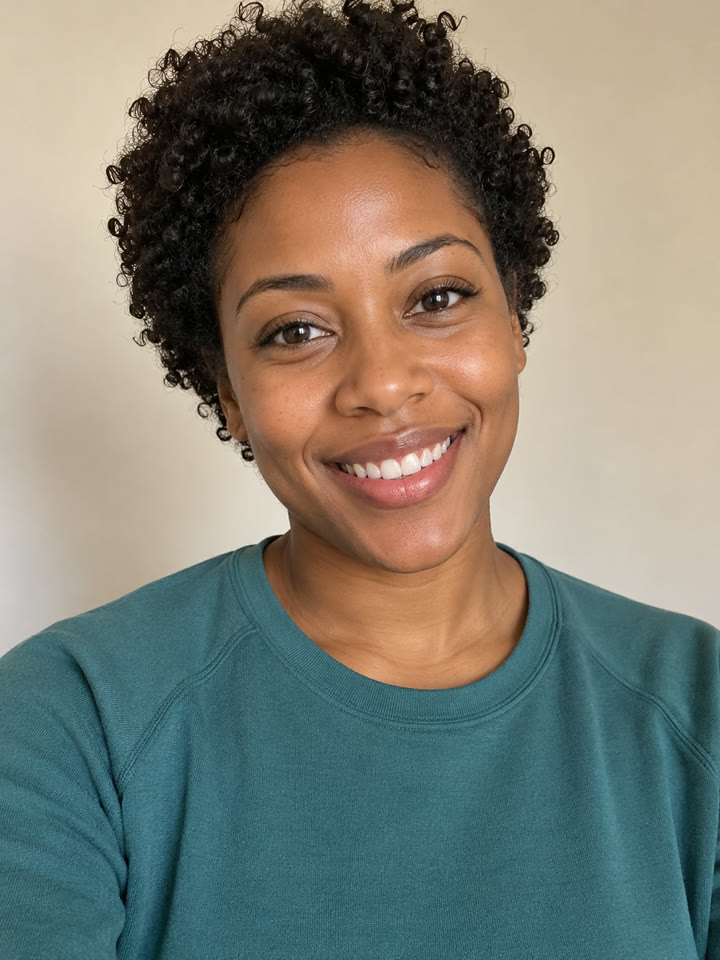
Choose one sharp, front-facing, chest-up photo of one adult who agreed to it. Soft light helps. Skip sunglasses, hats over the forehead, group shots and heavy filters. Whatever the person is wearing shows up in the video.
Faces that are small, turned away or partly covered give the AI less to work with. Crop a group photo down to one person before uploading.
 Good ✓
 Good ✓
 Good ✓
 Good ✓
Step 2: put them on the lead singer spot
Open the Tiny Desk AI studio and tap “add photo” on the lead singer spot. The keyboard player and the back row stay exactly as recorded, so there is nothing else to upload.
The lead singer appears in both close-ups: the opening line and the long closing shot with the big grin. The band shot in between is the original performance.
Step 3: make the video
Tick the permission box and press “Make my Tiny Desk video.” Sign in with Google if asked and pick a credit pack if you need one. Rendering takes about five minutes; you can leave the page while it works.
Nothing starts until you press the button, and buying credits never starts a video on its own. If a render fails, the 10 credits come back automatically.
Step 4: download and post
Play the private result, check the face and the timing, then download the 13-second 9:16 MP4 with the original song. Post it to TikTok, Reels or Shorts, or send it to the group chat.
Your video stays private in your account until you delete it. Your photo is deleted after 24 hours.
Do you need an Outstanding Tiny Desk AI template?
No. Searches for an “Outstanding Tiny Desk AI template” or a “Charlie Wilson Tiny Desk template” usually come from people who saw the meme on TikTok and assumed it was a CapCut template. It is not: the face swap is done with AI video, and a template alone cannot put a new person in the performance.
Tiny Desk AI replaces the template step. You upload one photo, the band, cuts and timing stay fixed, and you get the finished clip back. If you want captions or stickers, add them in TikTok or CapCut after you download.
Timing it
The meme lands best right after a result: the morning after a loss, a big win or a bad week at work. Since a video takes about five minutes, you can post while the moment is still fresh.
Want the backstory first? Read where the Outstanding Tiny Desk meme comes from.